Condition checklists for every area you inspect.
Work through each area item by item. Mark a condition, pick from your own options, or type in a reading. Add notes and photos as you go, and it all flows into the report.
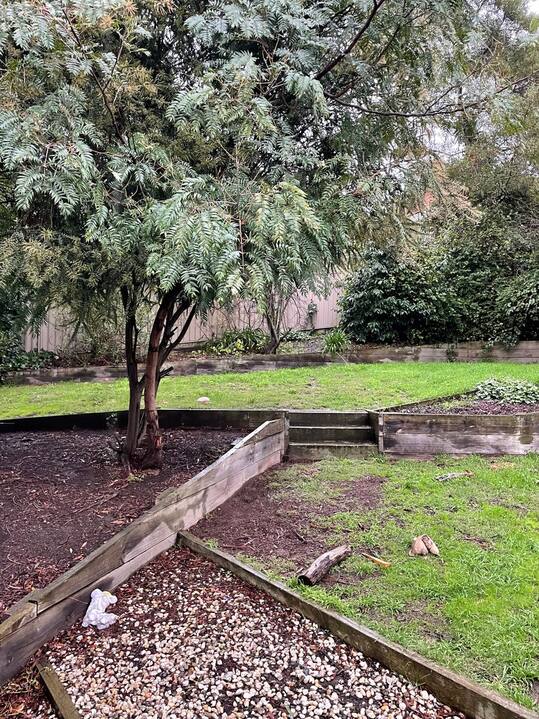
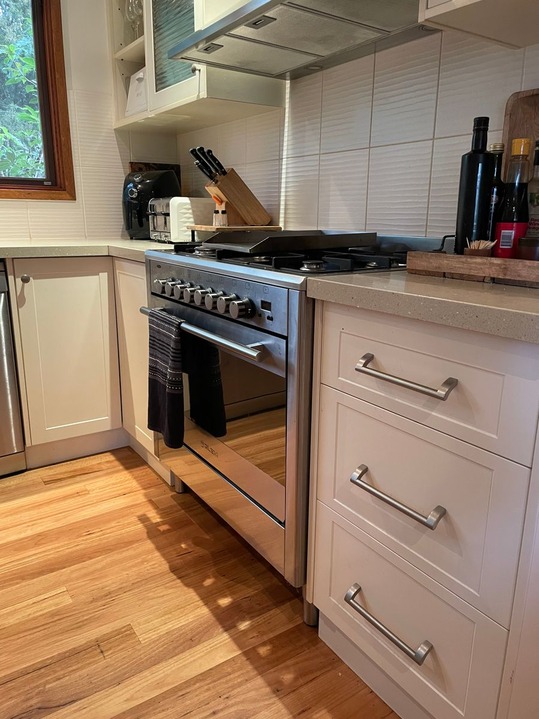
Record any issues the way that works for you.
A quick walkthrough, a checklist, or a full template. Mix them per inspection or per room. Every way makes a complete report.
-
Walkthrough
Photos and a verdict
Photograph the room, mark No Issues or Requires Attention, add a note where it matters, and move on. Ideal for routine inspections.
-
Checklist
Item by item
Add a checklist to any room. Build it on the spot, or start from a recommended one and edit it as you go.
-
Template
Your whole process
Every area, checklist, and instruction, set up once and run the same way each time.
Learn more about inspection templates →
Build a check your way.
Each item on a checklist is a check. Choose how it is answered, and mix them freely. Every check takes a note, and sits with the room's photos in the report.
What people make checklists for
- Smoke alarms
- Pool safety
- Appliances
- Meter readings
- Keys and remotes
- Move-in condition
- Move-out condition
- Hot water system
- Heating and cooling
- Window locks
- Mold and damp
- Gutters and roof
- Carbon monoxide alarms
- Fire extinguishers
- Garage and driveway
- Pest signs
- Condition
- Is it fine? Rename the answers, and allow N/A.
- Pick one
- One option from your own list.
- Pick many
- Every option that applies.
- Number
- Readings and counts, with a unit.
- Text
- Serial numbers, dates, anything written.
Related features
Continue exploring myInspections
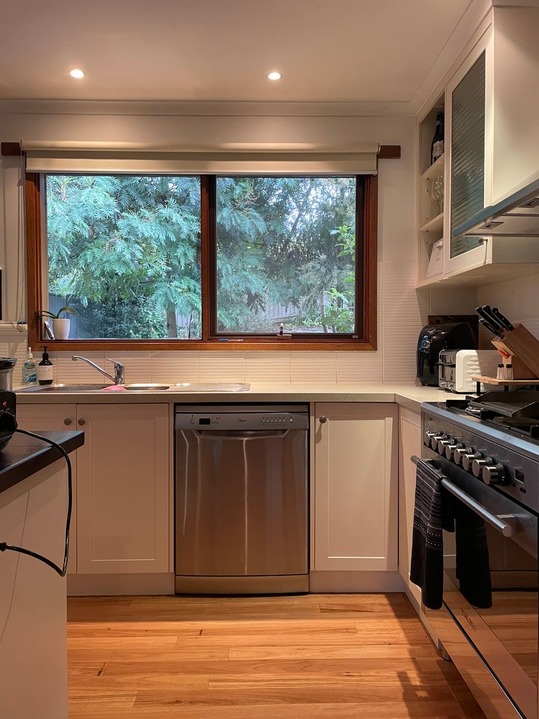 0:14
Counter scratched near the sink
EditKitchen template applied
6-point checklist
Tested and working. Batteries due at the next visit.
Template applied
Move-in inspection
Notes
Oven knob cap is missing
Things people ask
How do condition checklists work?
Can I customize the checklists?
Can I change the condition answers?
Can an area be marked N/A?
Do photos attach to individual areas?
Do the results go straight into the report?
Inspect the same way, every time.
Start your trial today. Walk your first inspection and let the checklist make sure nothing gets missed.